Ask any lab owner where the day goes and you'll hear the same list: typing reports, finding a sample that went missing between collection and testing, answering "is my report ready?" calls, and chasing pending payments. None of this needs to be manual.
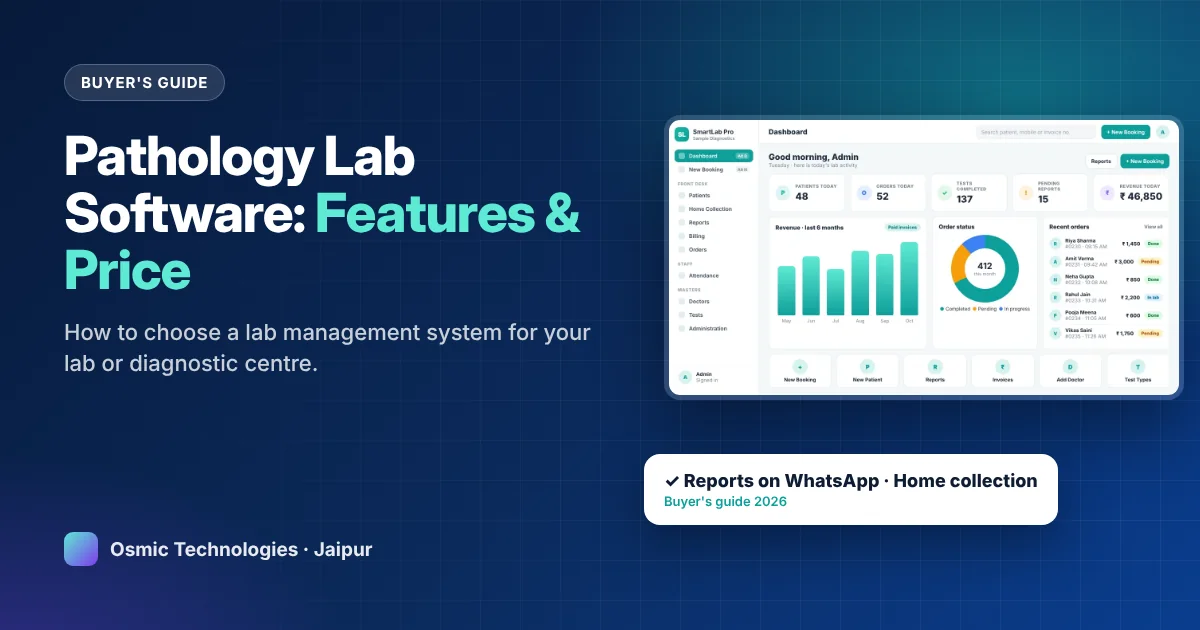
Pathology lab software, also called a lab management system or LIS (laboratory information system), connects the whole journey from booking to report delivery. This guide covers what it should do, what it costs, and how to choose one that your staff will actually use.
What pathology lab software does
A lab management system follows each sample through your lab:
- Booking: register the patient, referring doctor and tests, and print a receipt.
- Sample collection: at the counter or at the patient's home.
- Result entry: technicians enter values into ready templates with reference ranges.
- Verification and signature: the pathologist checks and signs, by department.
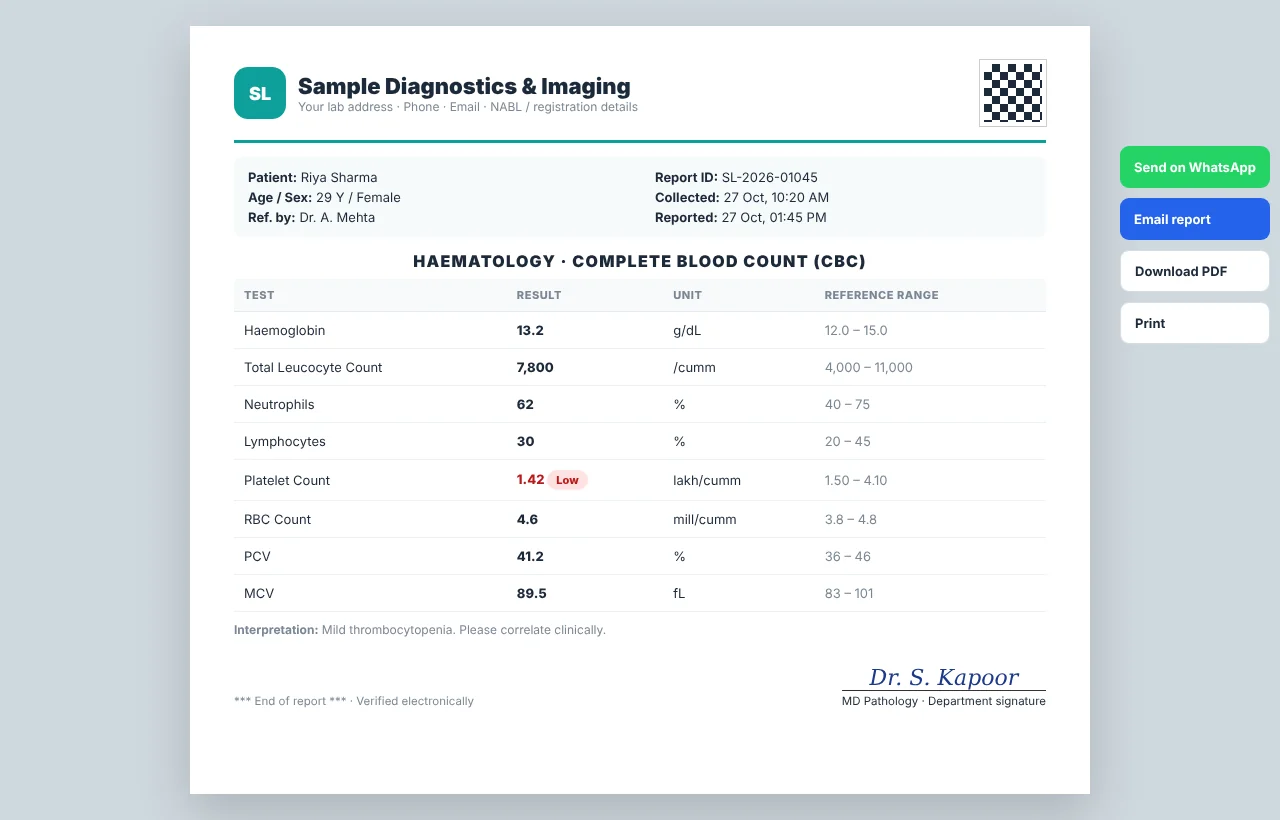
- Report delivery: print on letterhead, or send the PDF on WhatsApp or email.
- Billing and reports: payments, dues and daily business reports update automatically.
Must-have features for a pathology lab
- Fast patient booking with search for existing patients and the referring doctor.
- Test master with tests, profiles, packages, departments and prices you can edit.
- Report templates with units and reference ranges, and abnormal values highlighted automatically.
- Department-wise signatures so each report carries the right doctor's signature.
- WhatsApp and email reports to cut counter queues and phone calls.
- Billing with discounts, part payments and a list of pending dues.
- User roles so front desk, technicians and accountants see only what they need.
Features that help a lab grow
- Home sample collection: a collection board with a map of the day, collection-boy assignment and a phone view for field staff.
- Doctor-wise reports: see which doctors refer the most patients and revenue.
- MIS reports: daily, monthly and test-wise reports with Excel export.
- Staff attendance: check-in with selfie and GPS location for front desk and collection staff.
- Mobile access: owners can check the day's numbers from their phone.
- Audit log: a record of who changed what, which helps with quality checks.
Pathology lab software price in India
Price depends on features, users, branches and support. Broadly:
- Subscription tools charge monthly or yearly, often per user or per branch.
- Complete lab management systems cost more upfront but cover booking to MIS in one place. For example, SmartLab Pro is currently offered at ₹80,000 against an MRP of ₹1,40,000, with setup and staff training.
- Custom-built systems suit hospital groups and large chains with special integrations.
Compare the total cost over three to five years, including users, updates, support and the time your staff save every day.
How to choose: a checklist for lab owners
- Bring your own report format to the demo and ask the vendor to show it in their software.
- Check test master migration: who will add your tests, rates and reference ranges?
- Test WhatsApp delivery with a sample report on your own phone.
- Ask about home collection if you run, or plan to run, a collection service.
- Check roles and security: user logins, permissions, backups and an audit log.
- Ask about training and support: how your staff will be trained and how quickly issues are fixed.
- Get the total price in writing, including any yearly charges.
Mistakes labs make when switching software
- Choosing on price alone and finding report templates can't match your format
- Not cleaning the test master before migration, so reports and rates are wrong
- Training only one person, who becomes a bottleneck
- Running paper and software side by side for months instead of a clear switch-over date
Where SmartLab Pro fits
SmartLab Pro is a pathology lab management software from Osmic Technologies, Jaipur, already in daily use at a working diagnostic lab. It covers patient booking, 1,200+ tests and packages, report templates, department-wise signatures, WhatsApp and email reports, home sample collection, billing and dues, MIS reports, staff attendance with selfie and GPS, and roles and permissions, on desktop and mobile.
To see it with your own tests and report format, book a free SmartLab Pro demo. Our team will walk you through booking, reporting and delivery exactly as your lab would use them.
See SmartLab Pro with your own report format
Book a free demo of SmartLab Pro pathology lab software: ₹80,000 (MRP ₹1,40,000), with setup and staff training.
View SmartLab Pro & book demo →